
Code
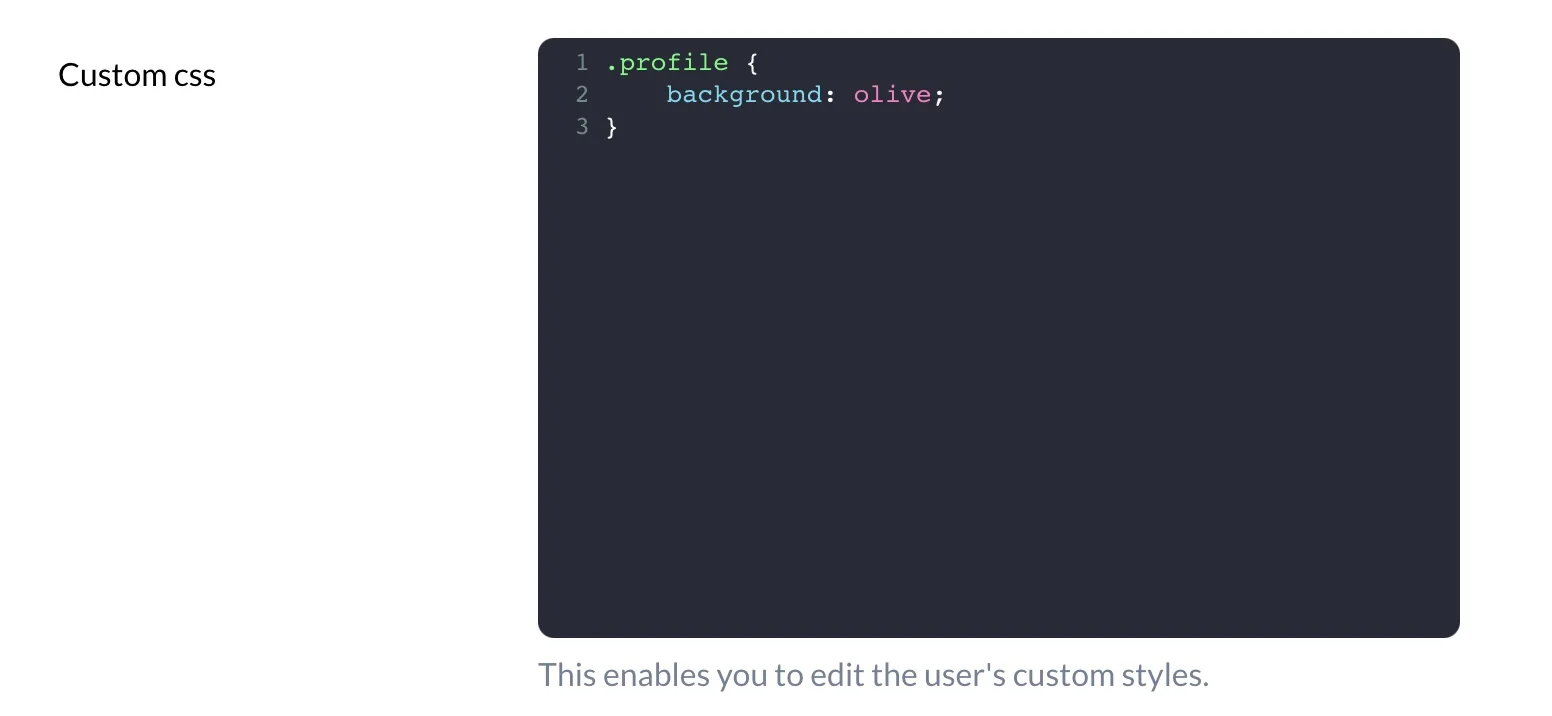
The Code field generates a code editor using codemirror package. This field is hidden on Index view.
ruby
field :custom_css, as: :code, theme: 'dracula', language: 'css'Options
-> theme
Customize the color theme.
Default value
material-darker
Possible values
material-darker, eclipse, or dracula
Preview the themes here: codemirror-themes.
-> language
Customize the syntax highlighting using the language method.
Default value
javascript
Possible values
css, dockerfile, htmlmixed, javascript, markdown, nginx, php, ruby, sass, shell, sql, vue or xml.
-> height
Customize the height of the editor.
Default value
auto
Possible values
auto, or any value in pixels (eg height: 250px).
-> tab_size
-> indent_with_tabs
-> line_wrapping
Customize whether the editor should apply line wrapping.
Default value
true
Possible values
true or false
-> pretty_generated
Automatically format and parse JSON content plus display it in a prettified way.
Default value
false
Possible values
true or false
ruby
field :body, as: :code, pretty_generated: trueThe above is equivalent to:
ruby
field :body, as: :code,
  format_using: -> {
    value.blank? ? value : JSON.pretty_generate(value)
  },
  update_using: -> {
    JSON.parse(value)
  }