
Code
The Code field generates a code editor using codemirror package. This field is hidden on Index view.
field :custom_css, as: :code, theme: 'dracula', language: 'css'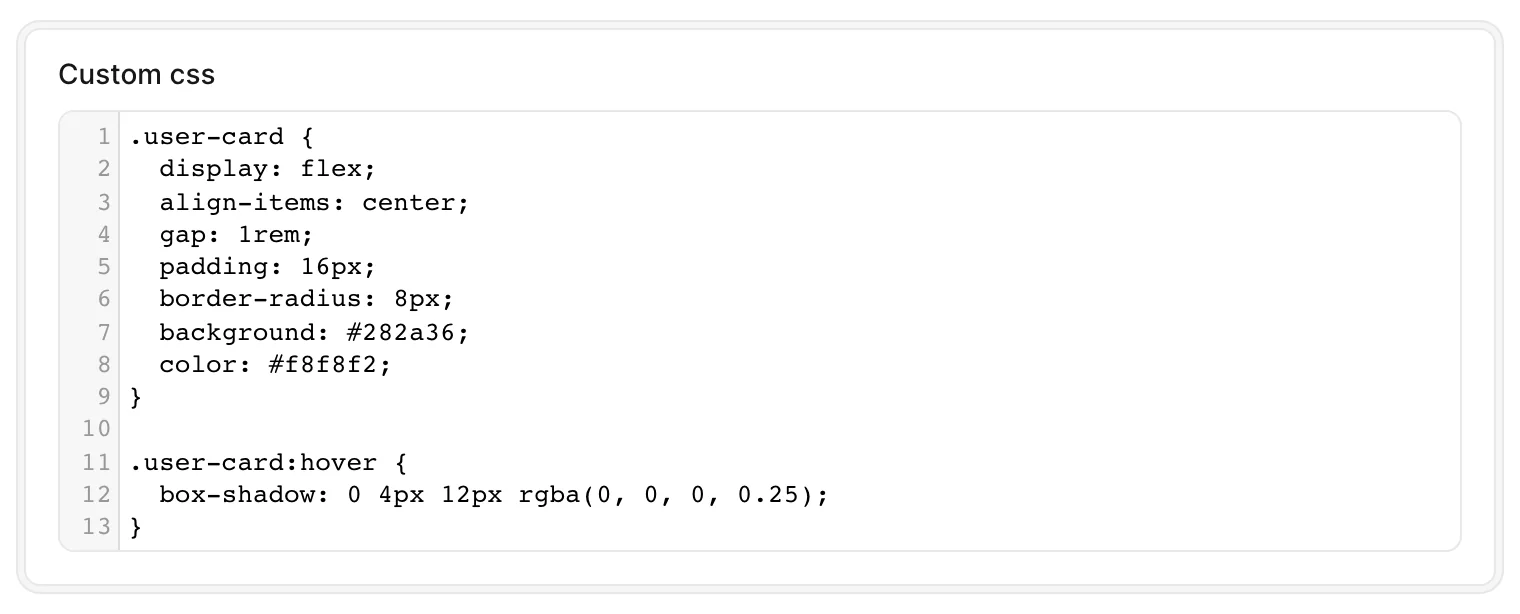
Options
-> theme
Customize the color theme used in light mode. In dark mode Avo always uses the monokai theme, regardless of this setting.
Default value
default
Possible values
default or monokai. These are the only two CodeMirror themes bundled with Avo, so other theme names won't have any styling to apply.
-> language
Customize the syntax highlighting using the language method.
Default value
javascript
Possible values
css, dockerfile, htmlmixed, javascript, markdown, nginx, php, ruby, sass, shell, sql, vue, xml, or yaml.
-> height
Customize the height of the editor.
Default value
auto
Possible values
auto, or any value in pixels (eg height: 250px).
-> tab_size
-> indent_with_tabs
-> line_wrapping
Customize whether the editor should apply line wrapping.
Default value
true
Possible values
true or false
-> pretty_generated
Convenience option for JSON columns. When enabled, Avo pretty-prints the stored value when displaying and editing it (via JSON.pretty_generate) and parses the editor content back to JSON on save (via JSON.parse). It sets sensible defaults for format_using and update_using, which you can still override yourself.
Default value
false
Possible values
true or false
field :metadata, as: :code, language: 'javascript', pretty_generated: true