
Money
The Money field is used to display a monetary value.
field :price, as: :money, currencies: %w[EUR USD RON PEN]Money Field Example
You can explore the implementation of the money field in avodemo and it's corresponding code on GitHub here
Example on new

Example on show

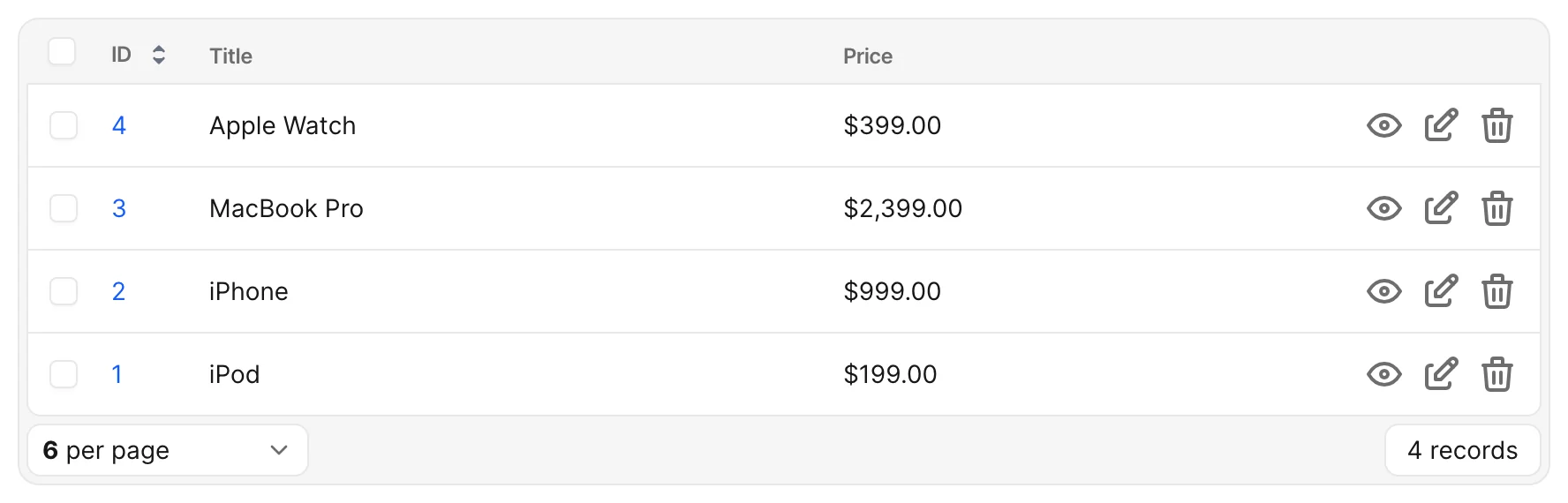
Example on index
Installation
This field is a standalone gem. You have to add it to your Gemfile alongside the money-rails gem.
Add this field to the Gemfile
# Gemfile

gem "avo-money_field"
gem "money-rails", "~> 1.12"
Important: Monetization Requirement
In order to fully utilize the money field's features, you must monetize the associated attribute at the model level using the monetize method from the money-rails gem. (Usage example)
For example:
monetize :price_centsWithout this step, the money field may not behave as expected, and the field might not render.
Options
-> currencies
The currencies option controls which currencies will be visible on the dropdown.
field :price, as: :money, currencies: %w[EUR USD RON PEN]Default value
By default it's going to be an empty array.
[]
Possible values
Add an array of currencies by the ISO code.
%w[EUR USD RON PEN]
-> enable_currency
Controls whether the currency selector is rendered alongside the amount input. When disabled, the field only edits and stores the amount and leaves the record's currency column untouched.
Default value
true
Possible values
true or false
field :price, as: :money, enable_currency: false-> currency_suffix
The suffix appended to the field's id to build the currency column name (for example price + _currency → price_currency). Set this when your monetized column uses a different suffix than the money-rails default.
Default value
The money-rails currency column postfix (_currency by default), or :_currency when money-rails is not defined.
Possible values
Any string or symbol matching your model's currency column suffix.
field :price, as: :money, currency_suffix: "_currency"