
EasyMDE
INFO
Before Avo 3.17 this field was called markdown. It was renamed to easy_mde so we can add our own implementation with markdown.
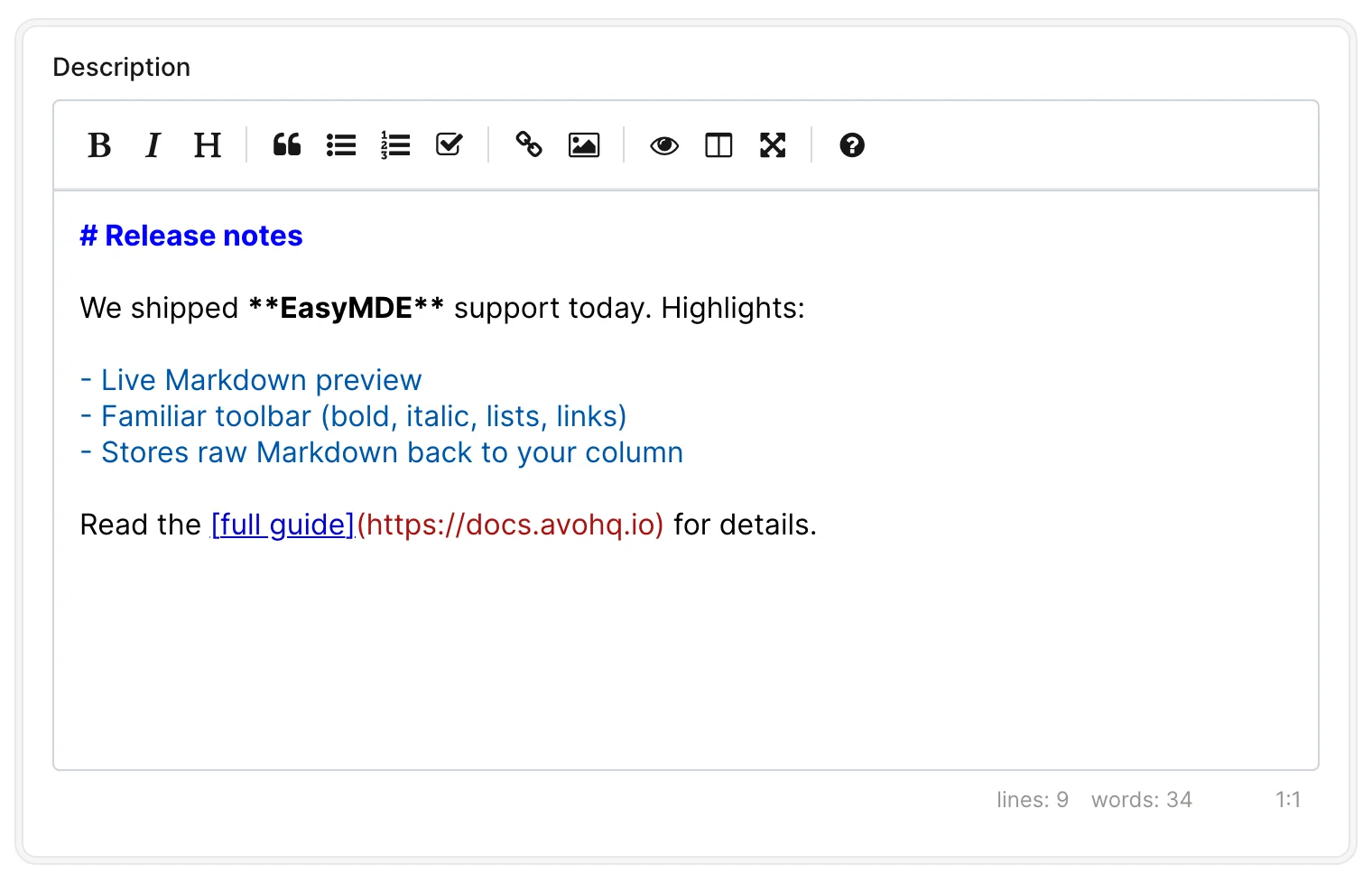
The easy_mde field renders a EasyMDE Markdown Editor and is associated with a text or textarea column in the database. easy_mde field converts text within the editor into raw Markdown text and stores it back in the database.
ruby
field :description, as: :easy_mdeINFO
The easy_mde field is hidden from the Index view.
Options
-> always_show
By default, the content of the easy_mde field is not visible on the Show view, instead, it's hidden under a Show Content link that, when clicked, displays the content. You can set easy_mde to always display the content by setting always_show to true.
Default value
false
Possible values
true, false