Associations
One of the most amazing things about Ruby on Rails is how easy it is to create Active Record associations between models. We try to keep the same simple approach in Avo too.
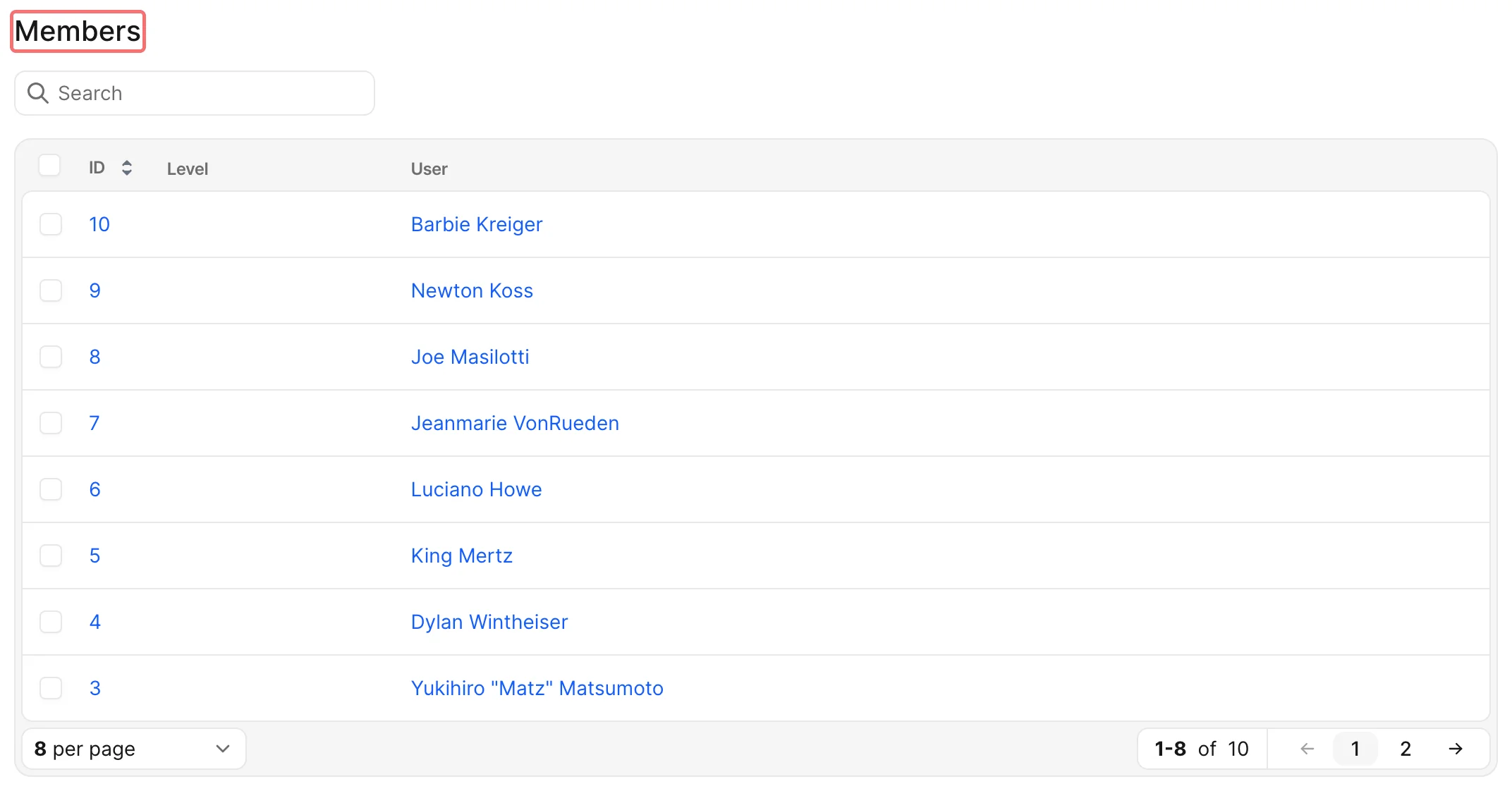
Declare an association field in your resource's def fields and Avo renders it appropriately on each view. A belongs_to shows up as a link to the associated record (and a dropdown or search input on forms), while has_one, has_many, and has_and_belongs_to_many render as panels below the resource's fields, with attach, detach, and create controls.
# app/avo/resources/post.rb
class Avo::Resources::Post < Avo::BaseResource
  def fields
    field :user, as: :belongs_to
    field :comments, as: :has_many
  end
end| Rails association | Avo field |
|---|---|
belongs_to | Belongs to |
has_one | Has one |
has_many | Has many |
has_many :through | Has many |
has_and_belongs_to_many | Has and belongs to many |
WARNING
It's important to set the inverse_of as often as possible to your model's association attribute.
If the target resource has too many records for a dropdown, make the picker search-as-you-type with Searchable associations.
Nested association forms (the nested option on those fields) require the avo-nested gem in addition to your usual Avo gems. Use the same source and credentials as for your other private Avo gems; see Gem server authentication.
Common options
Association fields share most of their options. Each ✓ links to that option's documentation on the field's page.
| Option | Belongs to | Has one | Has many | HABTM |
|---|---|---|---|---|
searchable | ✓ | ✓ | ✓ | ✓ |
attach_scope | ✓ | ✓ | ✓ | ✓ |
use_resource | ✓ | ✓ | ✓ | ✓ |
scope | – | – | ✓ | ✓ |
name | – | – | ✓ | ✓ |
description | – | ✓ | ✓ | ✓ |
loading | – | ✓ | ✓ | ✓ |
linkable | – | ✓ | ✓ | ✓ |
reloadable | – | ✓ | ✓ | ✓ |
nested | – | ✓ | ✓ | ✓ |
attach_using | – | – | ✓ | ✓ |
attach_fields | – | – | ✓ | – |
discreet_pagination | – | – | ✓ | ✓ |
hide_search_input | – | – | ✓ | ✓ |
hide_filter_button | – | – | ✓ | ✓ |
link_to_child_resource | ✓ | – | ✓ | ✓ |
A few options belong to a single field type: polymorphic_as + types, polymorphic_help, can_create, allow_via_detaching, and link_to_record are all on belongs_to. attach_fields only persists its values on has_many :through associations, so it's documented there.
Show or hide the association buttons
The attach, detach, create, destroy, and actions buttons on association panels are controlled through the target resource's policy methods. Find out more on the authorization page.
Single Table Inheritance (STI)
When you have models that share behavior and fields with STI, Rails will cast the model as the final class no matter how you query it.
# app/models/user.rb
class User < ApplicationRecord
end

# app/models/super_user.rb
class SuperUser < User
end

# User.all.map(&:class) => [User, SuperUser]
For example, when you have two models, User and SuperUser with STI, when you call User.all, Rails will return an instance of User and an instance of SuperUser. That confuses Avo in producing the proper resource of User. That's why when you deal with STI, the final resource Avo::Resources::SuperUser should receive the underlying model_class so Avo knows which model it represents.
# app/avo/resources/super_user.rb
class Avo::Resources::SuperUser < Avo::BaseResource
  self.title = :name
  self.includes = []
  self.model_class = "SuperUser"

  def fields
    field :id, as: :id
    field :name, as: :text
  end
end
Link to child resource when using STI
Let's take another example. We have a Person model and Sibling and Spouse models that inherit from it.
You may want to use the Avo::Resources::Person to list all the records, but when your user clicks on a person, you want to use the inherited resources (Avo::Resources::Sibiling and Avo::Resources::Spouse) to display the details. The reason is that you may want to display different fields or resource tools for each resource type.
There are two ways you can use this:
self.link_to_child_resource = trueDeclare this option on the parent resource. When a user is on theIndexview of your theAvo::Resources::Personand clicks on the view button of aPersonthey will be redirected to aChildorSpouseresource instead of aPersonresource.field :peoples, as: :has_many, link_to_child_resource: falseUse it on ahas_manyfield. On theAvo::Resources::Personyou may want to show all the related people on theShowpage, but when someone click on a record, they are redirected to the inheritedChildorSpouseresource.
Add custom labels to the associations' pages
You might want to change the name that appears on the association page. For example, if you're displaying a team_members association, your users will default see Team members as the title, but you'd like to show them Members.
You can customize that using fields localization.