
Heading
The Heading field separates groups of fields with a heading. It is for presentation only and does not need a database column.
# app/avo/resources/user.rb
field :user_information, as: :heading
field :first_name, as: :text
field :last_name, as: :text
field :email, as: :text
By default, the heading uses the humanized field ID (:user_information becomes "User information") and displays it as uppercase plain text. It appears on show, edit, and new views, but not on index views. HTML rendering is off by default.
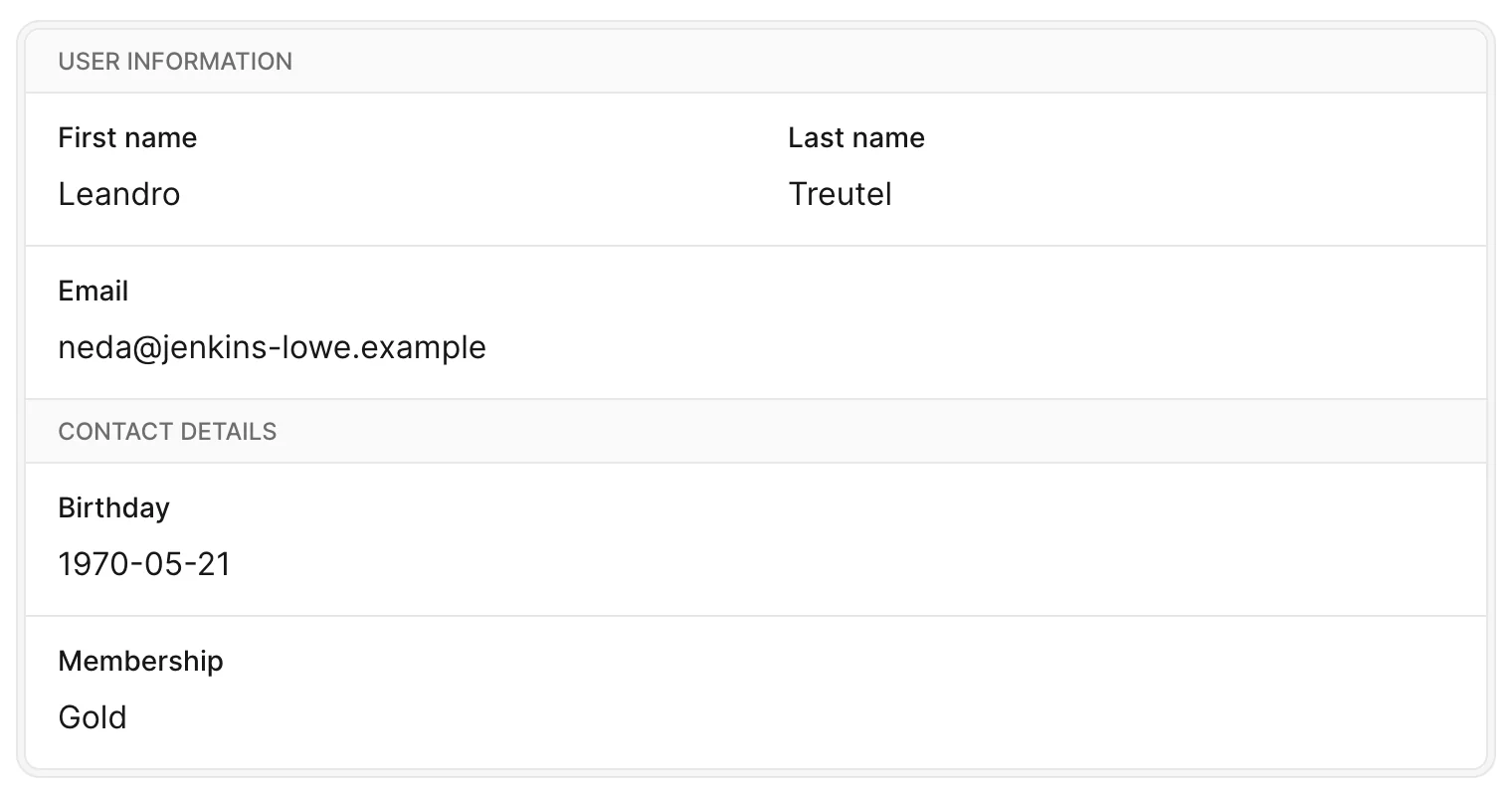
Choose the heading text
Set label when the heading should differ from the humanized field ID. This keeps the heading visible on form views as well as the show view.
# app/avo/resources/user.rb
field :some_id, as: :heading, label: "User information"
Compute a heading for the show view
Use a block to compute the heading from the current record. The block's result takes precedence over label.
# app/avo/resources/user.rb
field :user_information, as: :heading do
  "Contact details for #{record.first_name}"
end
Computed headings are hidden on forms
A heading declared with a block is not rendered on new or edit views, even if it also has a label. Use label without a block when the heading must appear on forms.
Render formatted content
Set as_html: true to format the heading with HTML. Use a label for formatted headings that also need to appear on forms.
# app/avo/resources/user.rb
field :dev_heading, as: :heading,
  label: '<div class="underline uppercase font-bold">DEV</div>',
  as_html: true
For a show-only HTML heading, the computed syntax works too:
# app/avo/resources/user.rb
field :dev_heading, as: :heading, as_html: true do
  '<div class="underline uppercase font-bold">DEV</div>'
end
For shared visibility, styling, and other field settings, see Common field options.