
Rhino
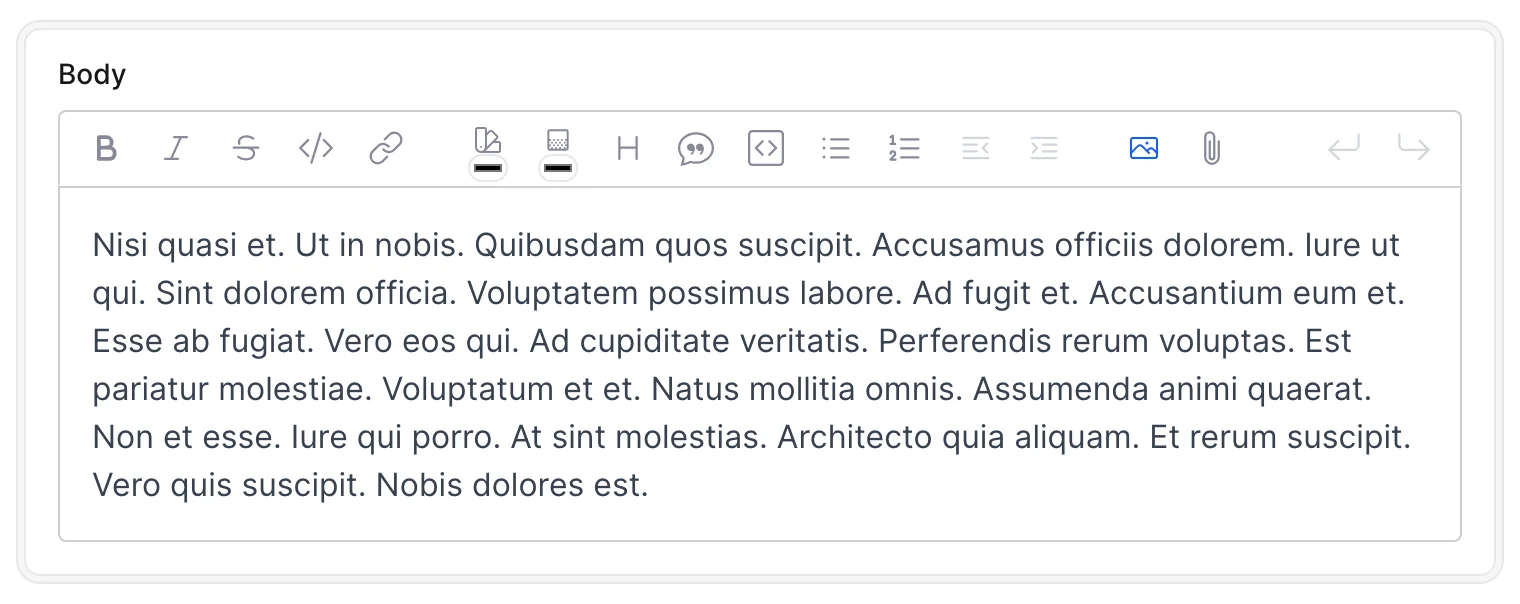
The Rhino Editor, built by Konnor Rogers, is a rich-text editor based on TipTap. Avo integrates it with ActionText, ActiveStorage file attachments, and the Media Library.
# app/avo/resources/post.rb
class Avo::Resources::Post < Avo::BaseResource
  def fields
    field :body, as: :rhino
  end
end
By default, the field is hidden on the index view. On the show view, long content is collapsed into a preview that users can expand.
Install the editor
Add the field's gem to your Gemfile, then run bundle install:
# Gemfile
gem "avo-rhino_field"
Store rich text with ActionText
If you want ActionText to manage the content and its attachments, configure the model attribute to match the field name:
# app/models/post.rb
class Post < ApplicationRecord
  has_rich_text :body
end
See the ActionText guide for Rails setup. The editor also integrates with Avo's Media Library to insert existing media.
Keep the full content visible
Set always_show to true to display the full content on the show view without an expand/collapse control:
# app/avo/resources/post.rb
field :body, as: :rhino, always_show: true
Common field options
See the Rhino API for the field-specific option and its default. For labels, help text, placeholders, visibility, and other shared settings, see Common field options.