
Belongs to
The belongs_to field lets users select an associated record on a form and follow a link to that record on index and show pages.
# app/avo/resources/post.rb
class Avo::Resources::Post < Avo::BaseResource
  def fields
    field :user, as: :belongs_to
  end
end
By default, Avo infers the target resource from the Rails association, labels records with the target resource's title, and renders a dropdown on new and edit forms. Creation links are available when the target resource's policy permits them.
View and change the associated record
On index and show pages, the link displays the target resource's self.title.
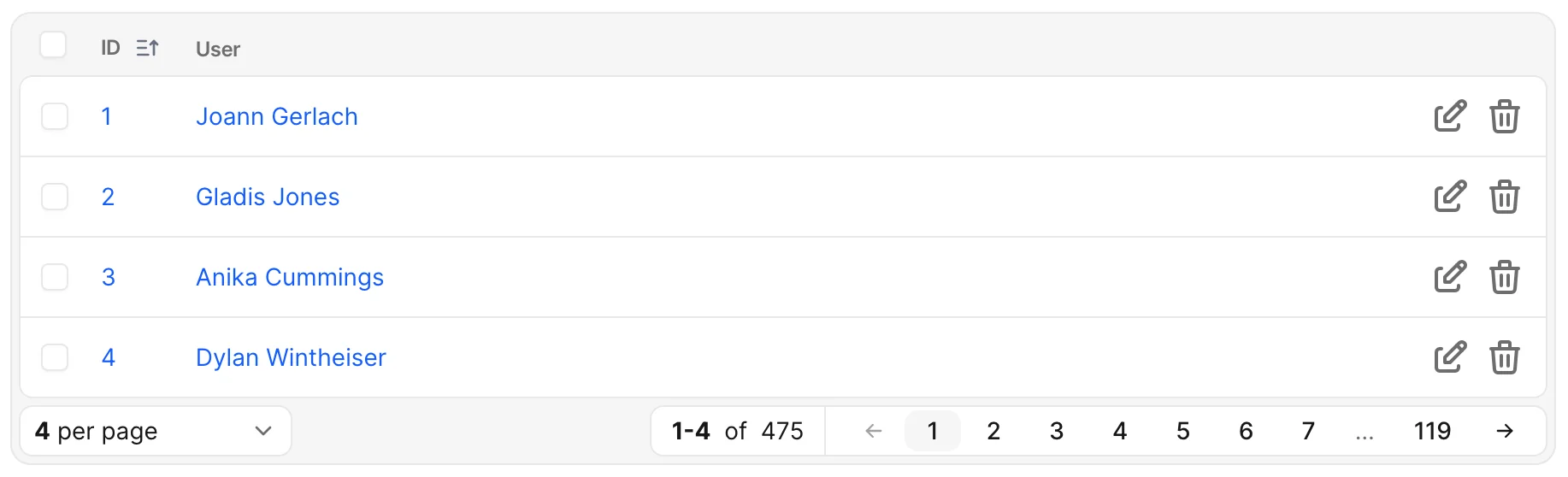

On new and edit forms, users choose a record from a dropdown.

To hide the creation link, set can_create: false. To send index cell clicks to the current record instead of the associated record, set link_to_record: true; show links still open the association.
Search a large set of records
Enable searchable to replace the dropdown with a search-as-you-type picker. This requires the Searchable associations add-on and search configuration.
# app/avo/resources/post.rb
class Avo::Resources::Post < Avo::BaseResource
  def fields
    field :user, as: :belongs_to, searchable: true
  end
end
The standard dropdown is capped by config.associations[:lookup_list_limit] (1,000 by default). The current selection remains available even when it falls outside that list.
Choose among different model types
For a Rails polymorphic association, provide both polymorphic_as and types. Each model type needs an Avo resource.
# app/models/comment.rb
class Comment < ApplicationRecord
  belongs_to :commentable, polymorphic: true
end

# app/avo/resources/comment.rb
class Avo::Resources::Comment < Avo::BaseResource
  def fields
    field :body, as: :textarea
    field :commentable, as: :belongs_to,
      polymorphic_as: :commentable, types: [::Post, ::Project]
  end
end
Explain the two dropdowns
The first dropdown selects a type, and the second selects a record. Use polymorphic_help for the first dropdown and the shared help option for the second.
# app/avo/resources/review.rb
class Avo::Resources::Review < Avo::BaseResource
  def fields
    field :reviewable, as: :belongs_to,
      polymorphic_as: :reviewable,
      types: [::Post, ::Project, ::Team],
      polymorphic_help: "Choose the type of record to review",
      help: "Choose the record you need."
  end
end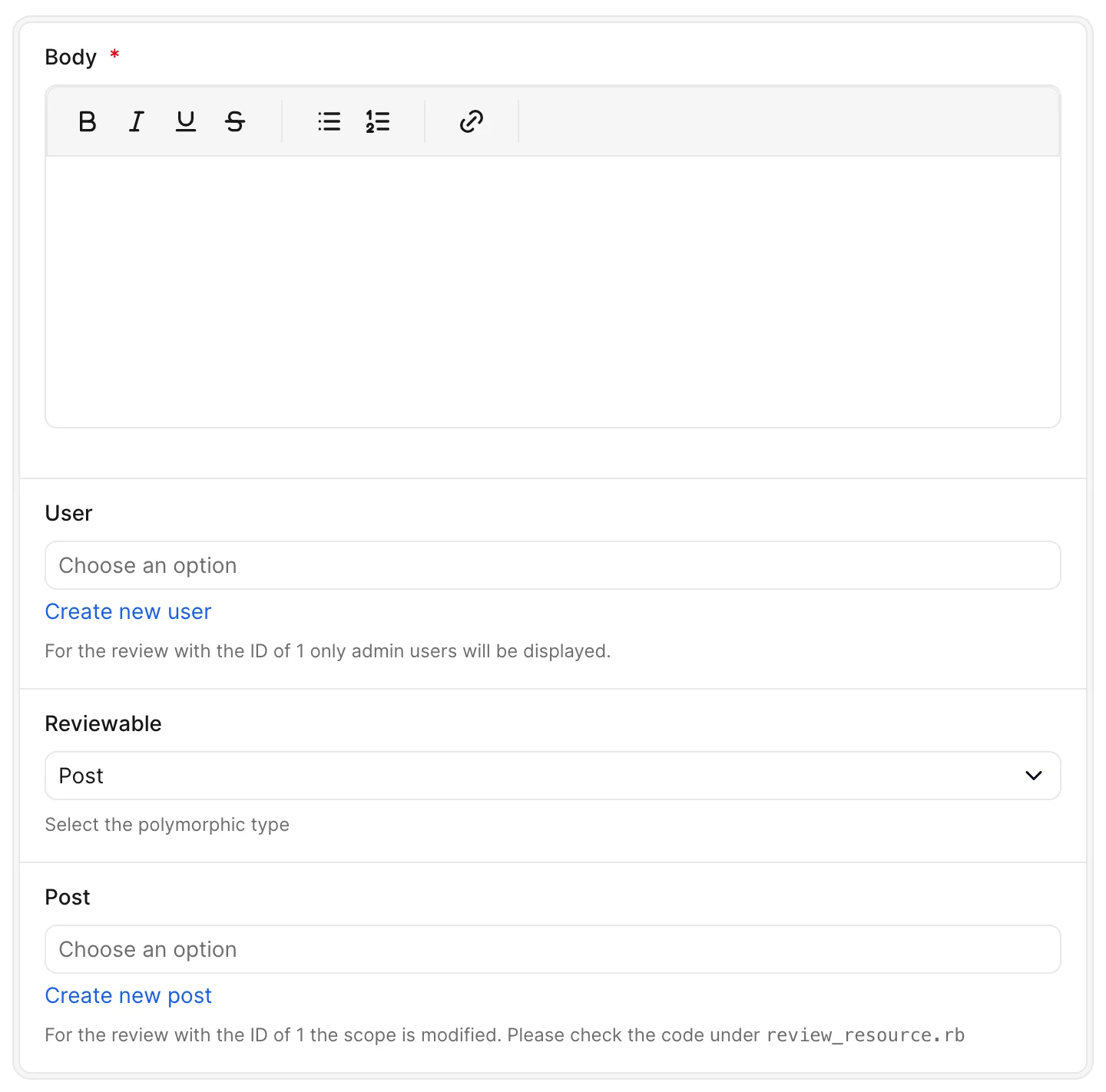
Limit which records users can select
Watch the demo videoUse attach_scope to narrow the dropdown or searchable picker. For example, exclude admins from a post's user selection:
# app/models/user.rb
class User < ApplicationRecord
  scope :non_admins, -> { where "(roles->>'admin')::boolean != true" }
end

# app/avo/resources/post.rb
class Avo::Resources::Post < Avo::BaseResource
  def fields
    field :user, as: :belongs_to, attach_scope: -> { query.non_admins }
  end
end
The callback exposes query and parent, the record being edited. On a new form, parent is an unsaved record. When creation starts through another association, Avo pre-fills that association, so a new post created through a category can use parent.category_id in its scope.
WARNING
Build on query to retain the resource's policy scope. Returning a fresh relation can widen access. Saving also checks the submitted record against the returned scope; records outside it are refused.
Change the association when arriving through a parent
When a form is opened through its parent association, Avo normally disables the field pointing back to that parent. Set allow_via_detaching to let users change it. Shared readonly and disabled settings still take precedence.
# app/avo/resources/comment.rb
class Avo::Resources::Comment < Avo::BaseResource
  def fields
    field :commentable, as: :belongs_to,
      polymorphic_as: :commentable,
      types: [::Post, ::Project],
      allow_via_detaching: true
  end
end
Choose a different resource
Use use_resource when the same model has multiple Avo resources. For STI associations, link_to_child_resource selects the resource for the associated record's concrete class. See the association STI guide.
Options reference
See the Belongs to API for every field-specific option, shared field options for labels, help, placeholders, visibility and form state, and the associations guide for shared association behavior.
| Option | Purpose |
|---|---|
allow_via_detaching | Change an association opened through a parent. |
attach_scope | Limit eligible records. |
polymorphic_as | Identify a polymorphic association. |
types | List its model types. |
polymorphic_help | Explain the type dropdown. |
use_resource | Override resource inference. |
can_create | Control creation links. |
link_to_record | Link index cells to the current record. |
link_to_child_resource | Resolve STI child resources. |
target | Set the show link's Turbo Frame. |