
Progress bar
The ProgressBar field renders a progress element on Index and Show views and a input[type=range] element on Edit and New views.
ruby
field :progress, as: :progress_bar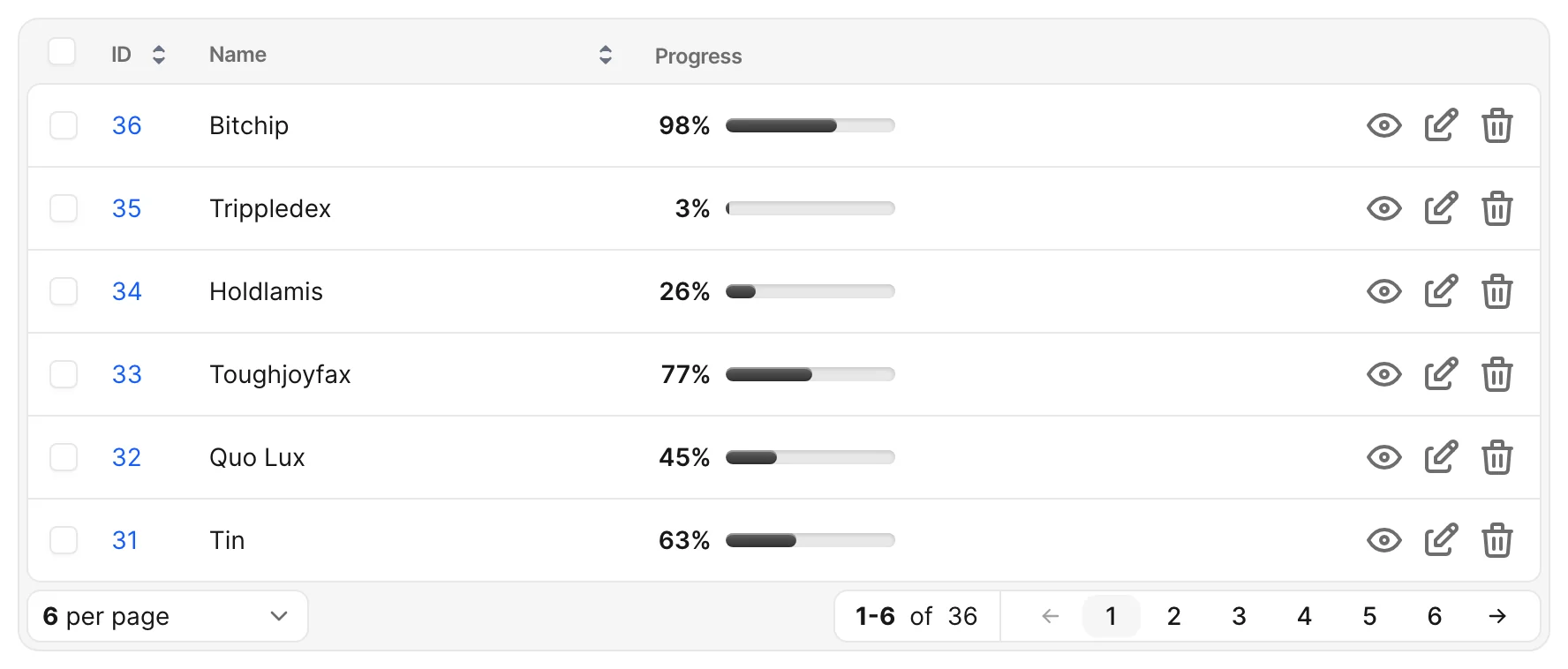
Options
-> max
-> step
Sets the step in which the user can move the slider on the Edit and New views.
Default value
1
Possible values
Any number.
-> display_value
Choose if the value is displayed on the Edit and New views above the slider.
Default value
false
Possible values
true, false
-> value_suffix
Set a string value to be displayed after the value above the progress bar.
Default value
nil
Possible values
% or any other string.
Examples
ruby
field :progress,
  as: :progress_bar,
  max: 150,
  step: 10,
  display_value: true,
  value_suffix: "%"